RPG Tile Map Level Editor
═══════════════════════════════════════════════════════
🗺️ RPG Tile Map Level Editor
═══════════════════════════════════════════════════════
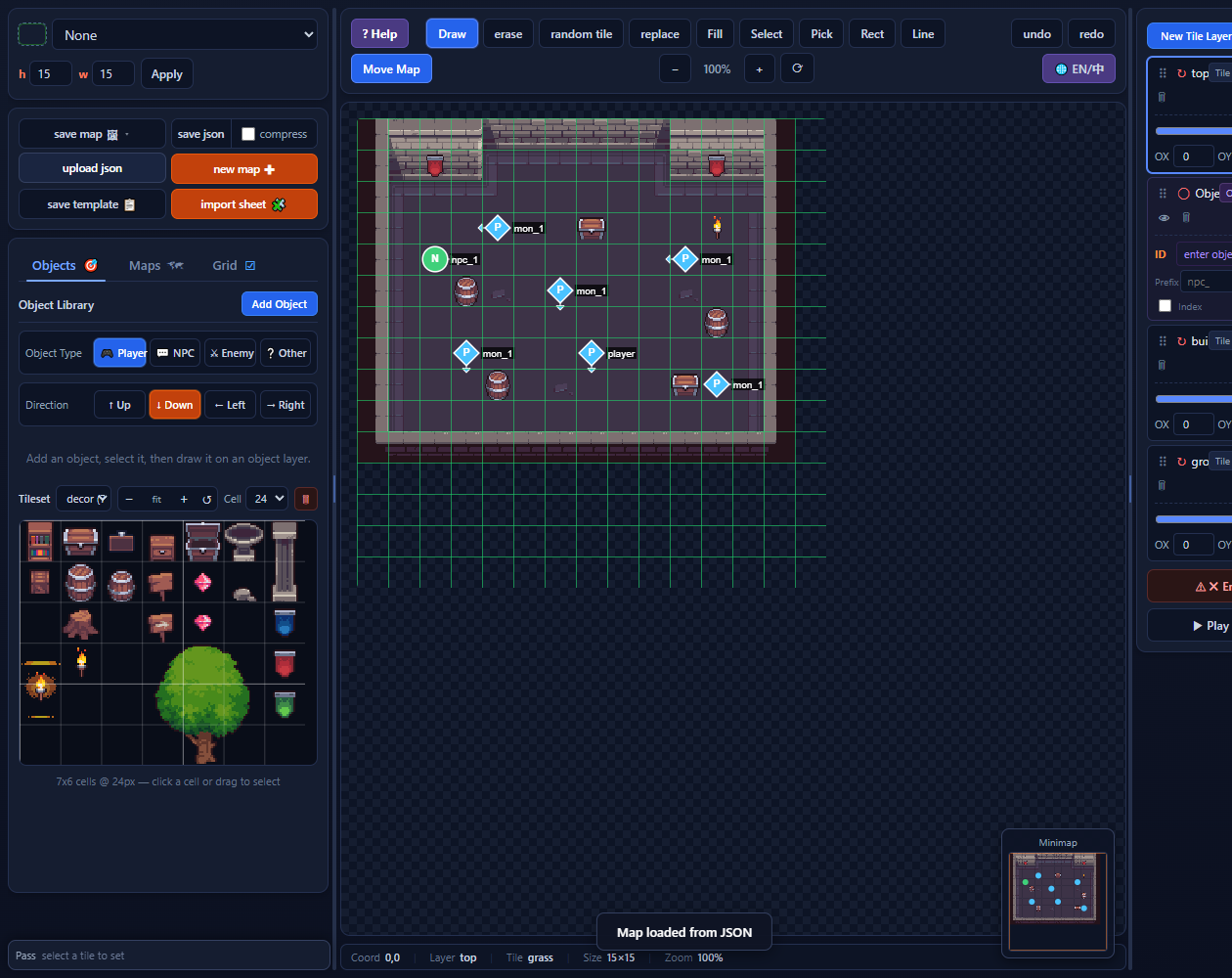
A browser-based level editor for pixel-art RPG maps.
Paint tiles across multiple layers, place players, NPCs,
and enemies, import your own sprite sheets, define
per-tile passability, and export clean, self-documenting
JSON — all without installing a thing.
─────────────────────────────────────────────────────────
📖 How to use
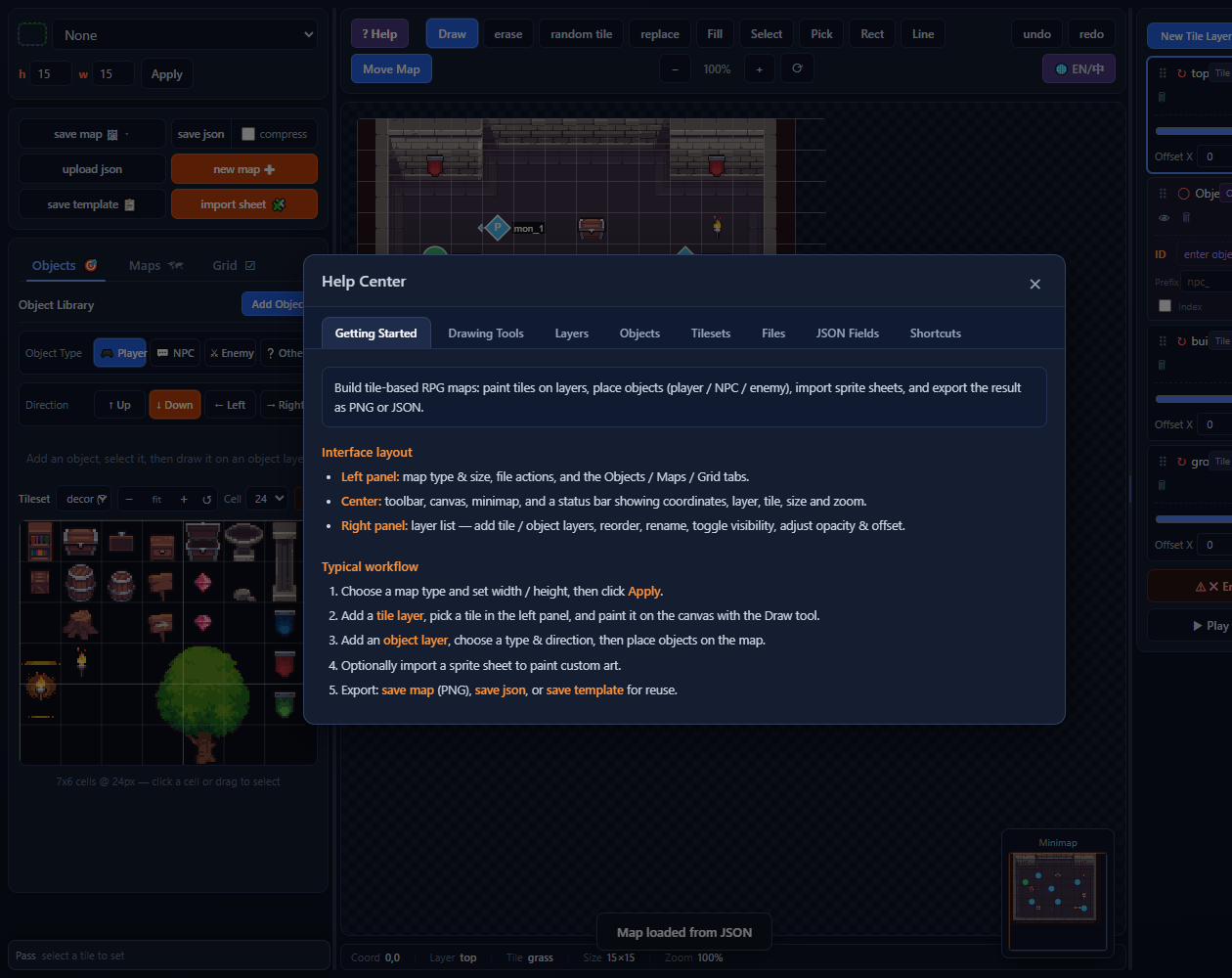
1. Choose your map type and size, then click Apply.
2. Add a tile layer, pick a tile from the built-in
library, and start painting with the Draw tool.
3. Add an object layer to place players, NPCs, and
enemies.
4. Optionally import a sprite sheet to paint with
your own pixel art.
5. Export: save map (PNG), save JSON, or save
template for reuse.
─────────────────────────────────────────────────────────
✨ Features
• 🖌 10 drawing tools — draw, erase, random, replace,
flood fill, select, eyedropper, rectangle, line,
and move map
• 🗺 Multi-layer maps — tile layers and object layers,
with reordering, renaming, opacity control, and
pixel offset
• 🎯 Object system — custom object library with types
(player / NPC / enemy), facing direction, and
auto-generated IDs with prefix, suffix, and index
• 🧩 Sprite sheet import — cut any image into tiles,
multi-cell stamping, and per-tile passability
editing
• 🚧 Passability — all / none / up / down / left /
right / horizontal / vertical, exported directly
into JSON
• 📦 Clean JSON export — versioned, self-describing
format with a detailed in-app field reference
(press ? for help)
• 🖼 PNG export — full map or individual layer images
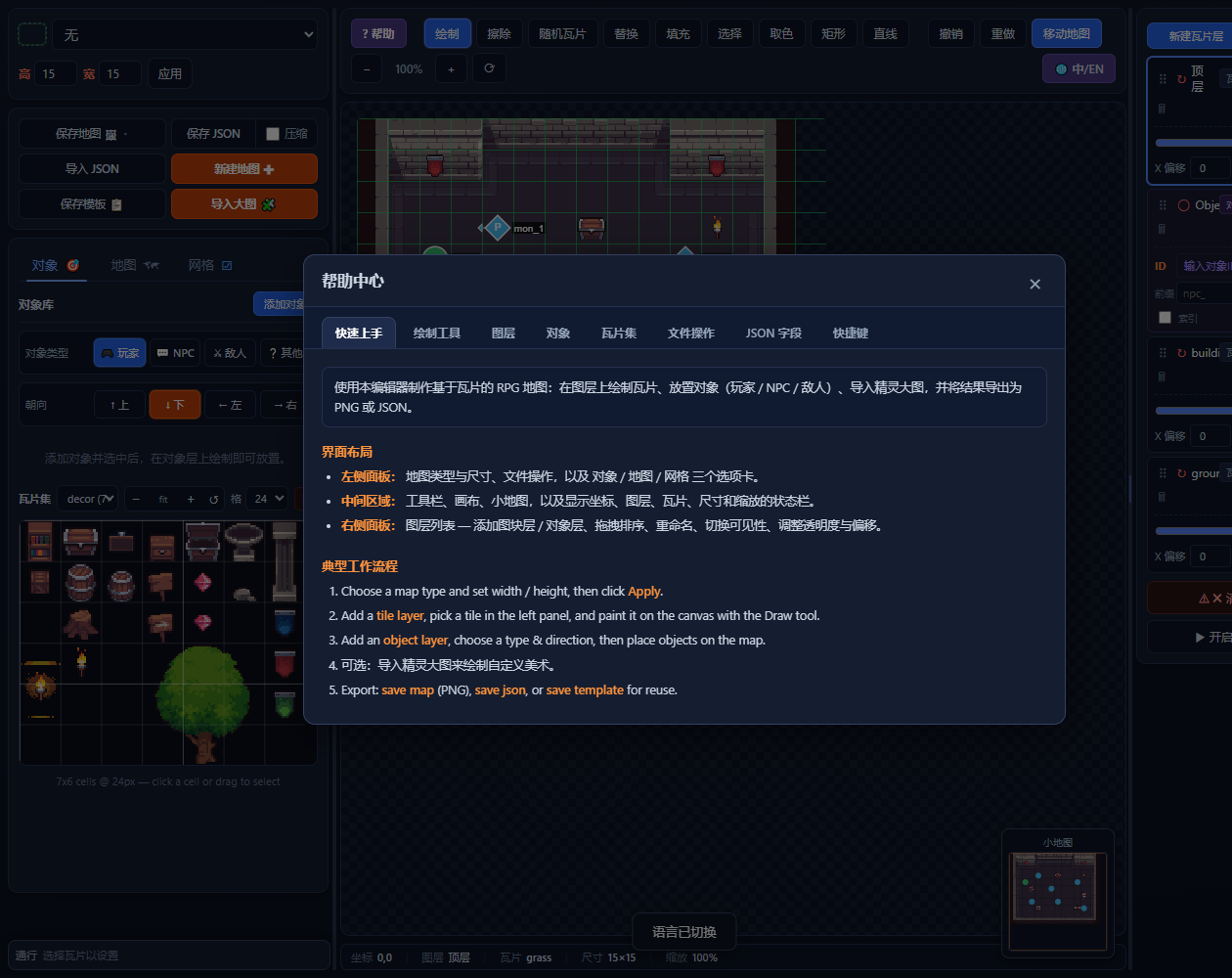
• 🌐 English / 中文 — built-in language toggle
• ⌨️ Shortcuts — Ctrl+Z/Y for undo/redo, Ctrl+C/V for
copy/paste, tool keys (D/E/T/M/G/I/L/R), Space
to pan, and Ctrl+wheel to zoom
─────────────────────────────────────────────────────────
🎮 Controls
• Left click / drag → draw with selected tool
• Right drag → copy a region, left click to paste
• Middle drag / Space → pan the view
• Ctrl + wheel → zoom in and out
• D E T M G I L R → quick-switch tools
• Ctrl+Z / Ctrl+Y → undo / redo
─────────────────────────────────────────────────────────
📄 JSON export
The exported JSON follows a clean v3 format:
version, map, sheets, tileLayers, objectLayers
Cells reference sheet tiles by sheet + col + row and
built-in tiles by name (tile). Click the ? button in
the editor for a complete field-by-field reference.
─────────────────────────────────────────────────────────
🧑💻 Credits
Built with vanilla JavaScript + HTML5 Canvas —
no frameworks, no dependencies.
─────────────────────────────────────────────────────────
💬 Feedback
Found a bug or have a feature request? Leave a comment
below — I read every one. 🎮
═══════════════════════════════════════════════════════
Leave a comment
Log in with itch.io to leave a comment.